
Changelog
Get the latest feature updates in Truv
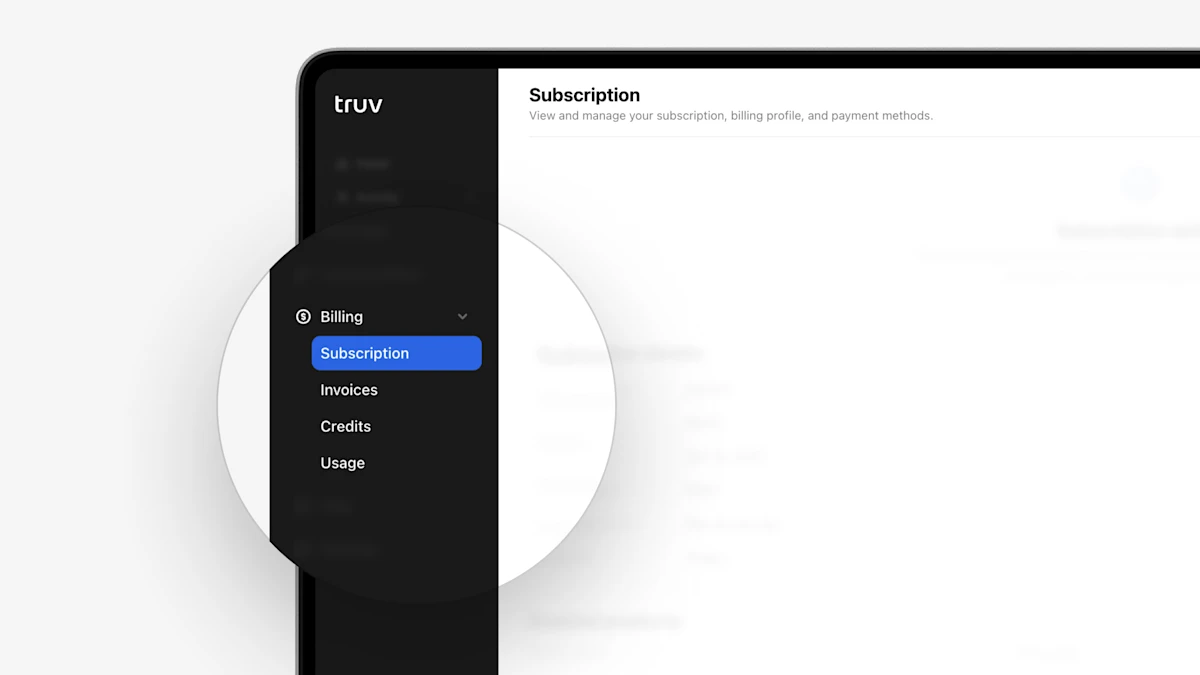
- New Billing tab: To help clients understand their billing, we have introduced a new ‘Billing’ tab to the Truv Dashboard with the following sections: Subscription, Invoices, Credits, Usage, and Monthly report. Only applicable tabs will be shown. See below for a summary of each tab
- ‘Subscription’ tab allows you to view contract dates, term, and enabled products.
- ‘Invoices’ provides access to billed monthly invoices, with the ability to open and pay recent invoices.
- ‘Credits’ shows starting credits, ending credits and usage for the selected period.
- ‘Usage’ shows a table of all billed tasks for the selected period.
- ‘Monthly report’ allows downloading the monthly usage CSV file, which was previously labeled ‘Usage’ in the Home tab.